FeatureCoreQ1 2027
Image generator
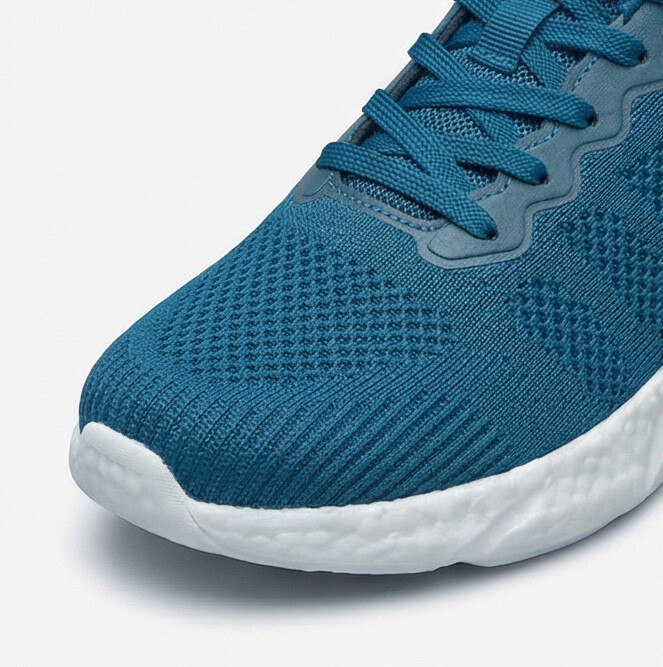
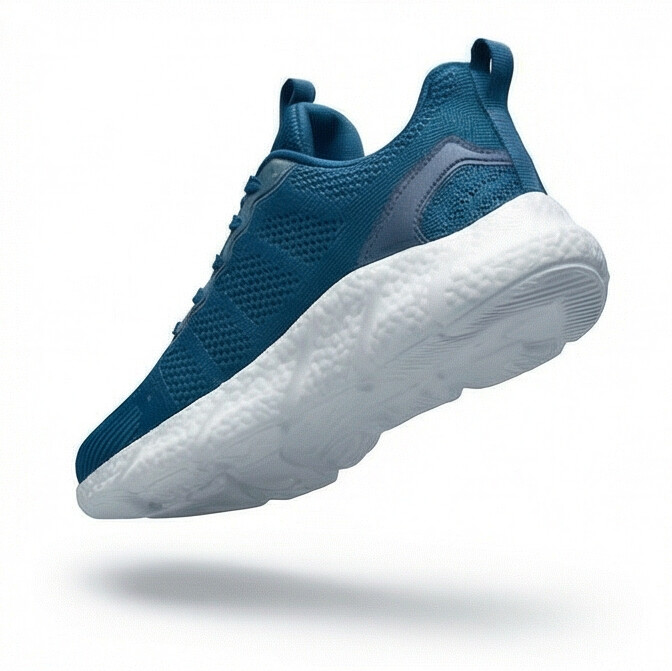
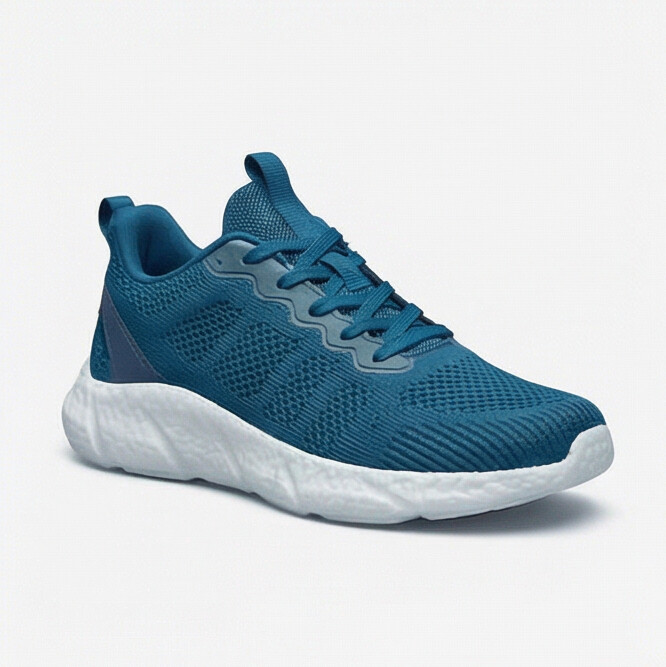
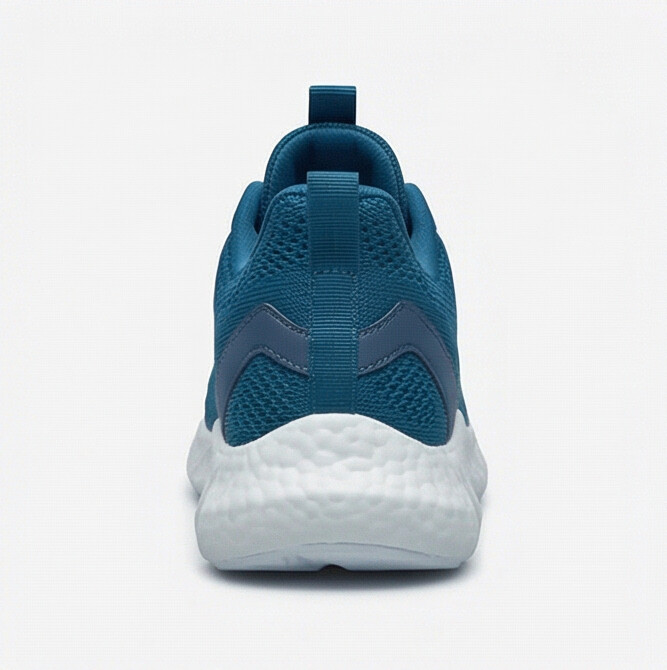
Generate on-brand product and marketing visuals from a brief.
- Consistent style presets
- Batch generation
- Ready for listings and campaigns
Mockups are indicative and may change after launch.
Every feature is part of the same platform: one login, one set of data, one bill.
- EU-hosted and GDPR-ready
- Cancel anytime
- No setup fees
Features
Core capabilities
Designed to be reliable, flexible, and ready to grow with your business.
Presets
Keep a consistent look across all visuals.
Batch
Generate images for multiple products at once.
Export
Deliver sizes for web, ads, and marketplaces.
product-shot-02.png
2048 x 2048 · 1.2 MB
Quick edits
Refine outputs with one-click AI tools.
Explore more
Related features
Other features that pair well with this one.
Frequently Asked Questions
Common questions about Image generator
Yes, Image generator is included in every Twinstack plan at no extra cost.
Most teams are up and running within a day. There is no complex setup or migration required. Our onboarding team can help you import existing data if needed.
Yes. Every Twinstack plan comes with a free trial so you can explore all features before deciding. No credit card required.

Run your business from one place
Start a free trial with your own data, or book a 30-minute demo and see how Twinstack brings your orders, inventory, and workflows together.